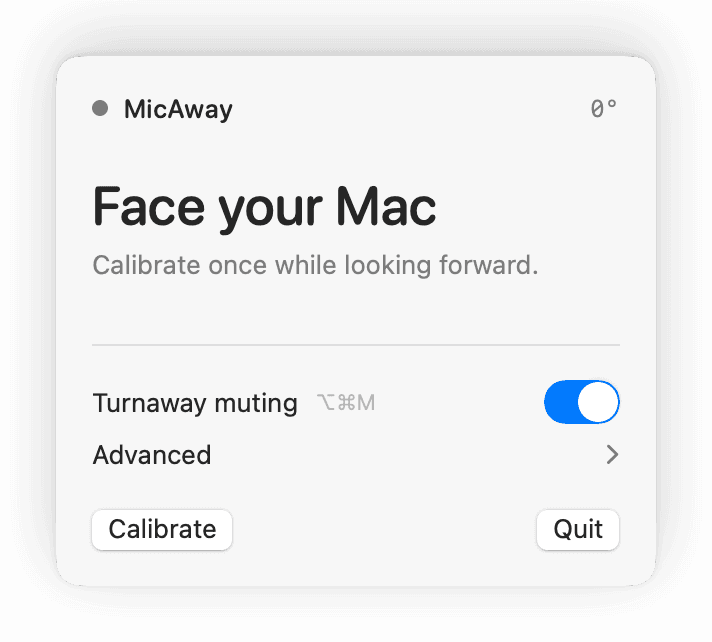
Calibrate
Wear your AirPods, face your Mac, and set forward once.
MicAway
Someone leans in mid-call — turn to answer and MicAway mutes you, then brings your mic back when you face your Mac again. No push-to-talk, no scramble for the mute button. Same for dictation: your aside never becomes a prompt. It never hears a word.
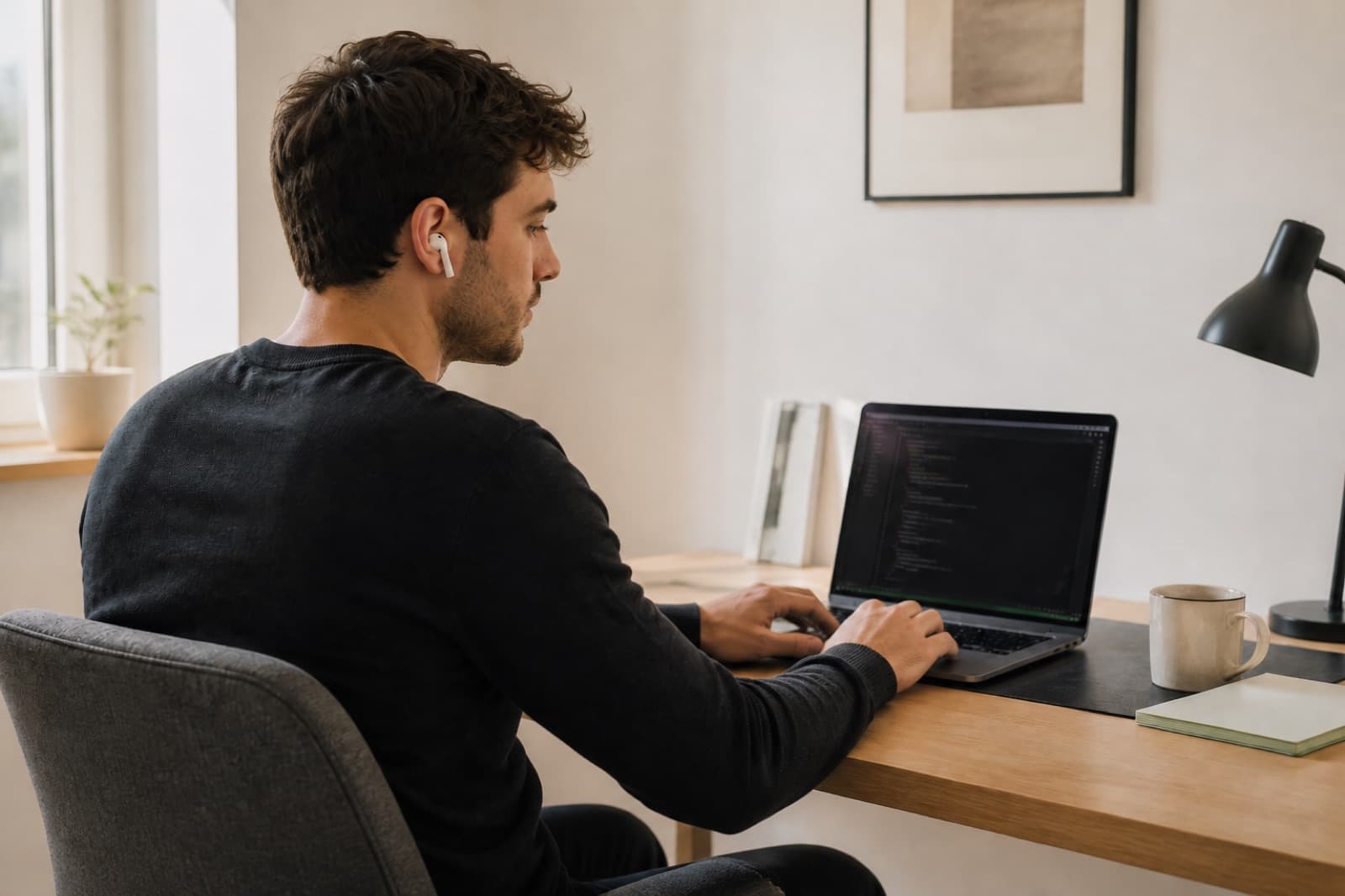
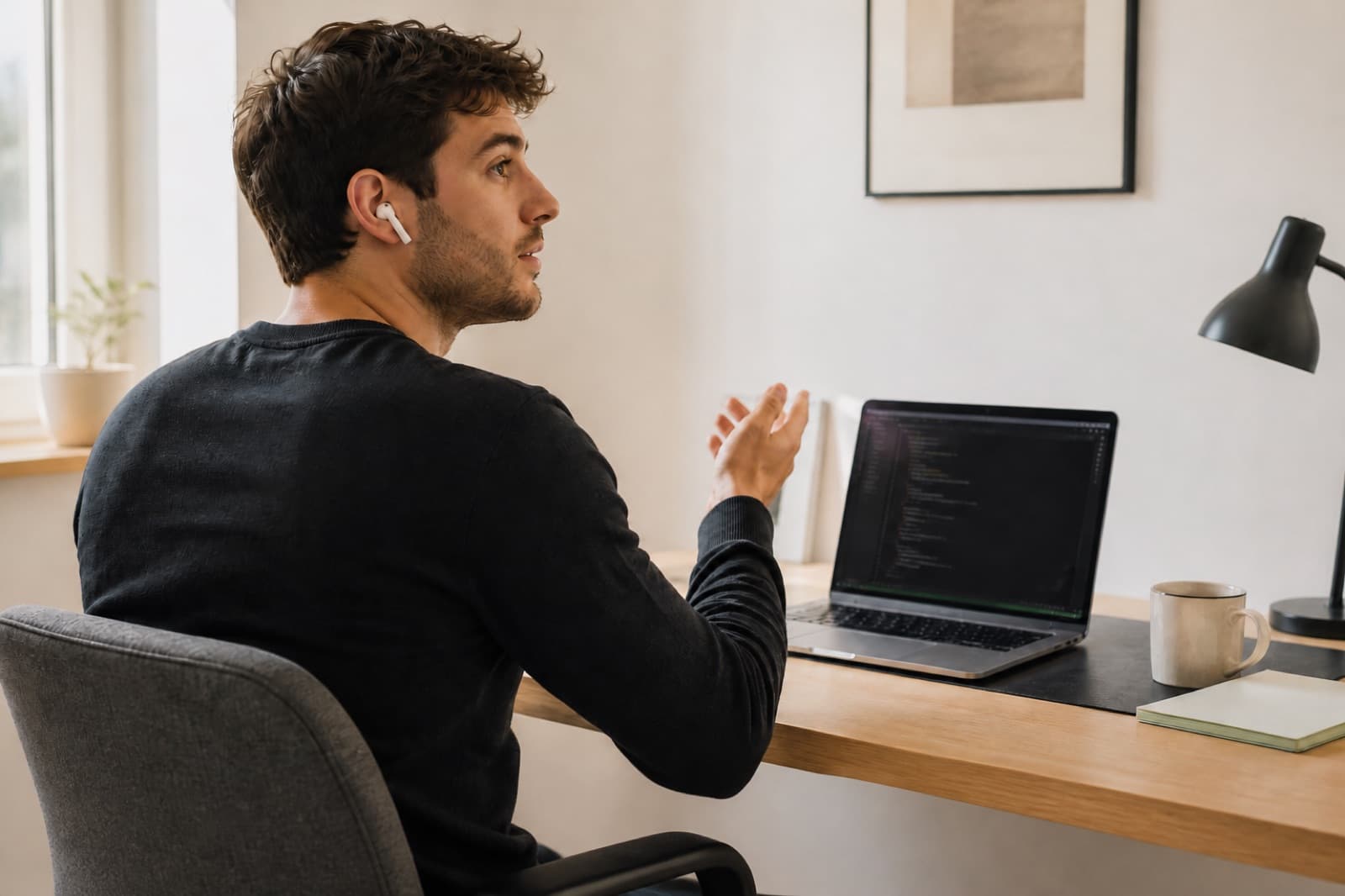
Facing the MacVoice stays in the session. Drag or click the photo to turn.
Wear your AirPods, face your Mac, and set forward once.
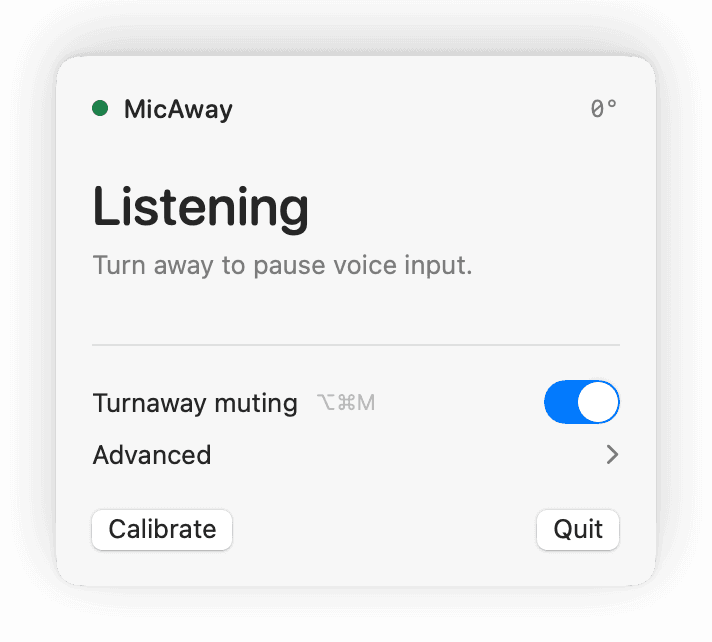
Face forward. MicAway leaves your input available.
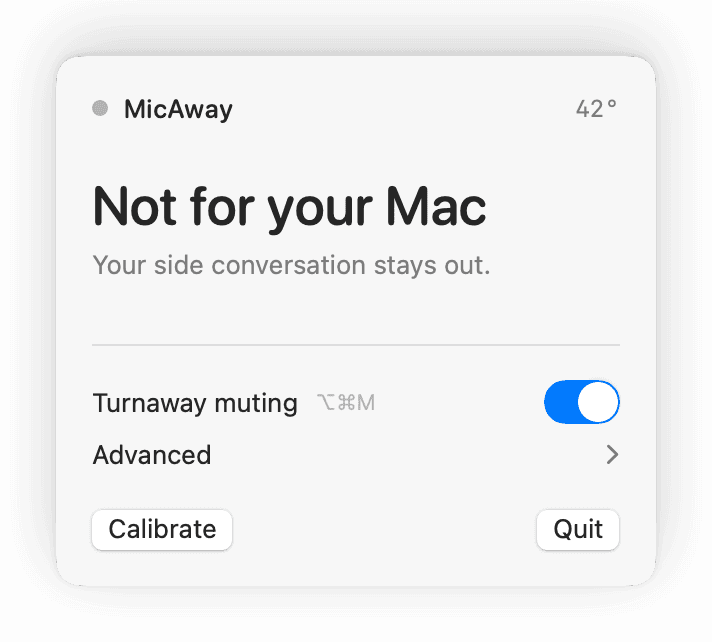
Look toward someone beside you. The aside stays out.
Independent project. Not affiliated with Wispr Flow, FluidVoice, or OpenAI.
Automatic when you want it. Completely out of the way when you do not.
Choose the voice apps where turnaway muting belongs. If an unselected meeting app is using your microphone, MicAway stays inactive.
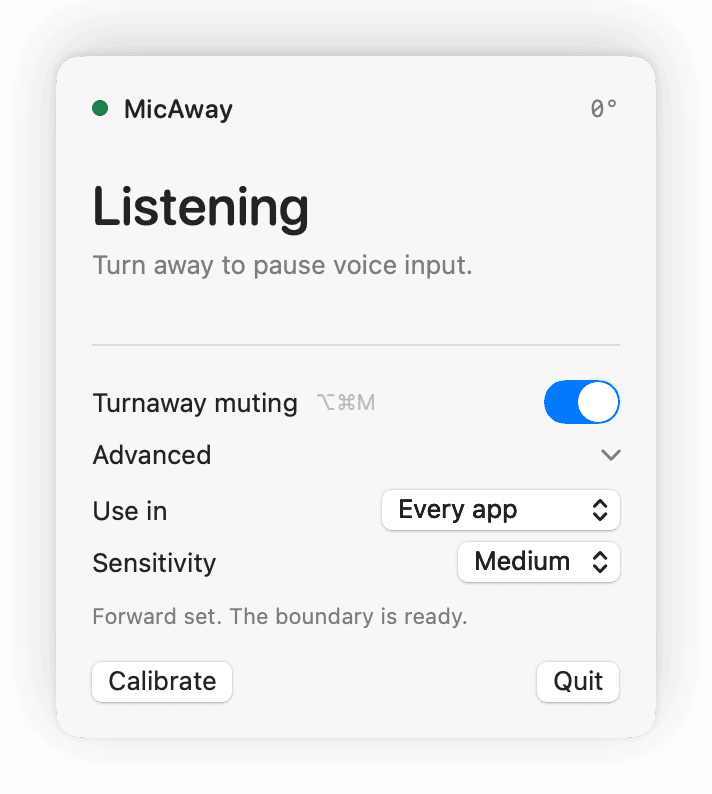
Switch turnaway muting off while walking around the office. Turn it back on and MicAway safely re-centers to your current position.
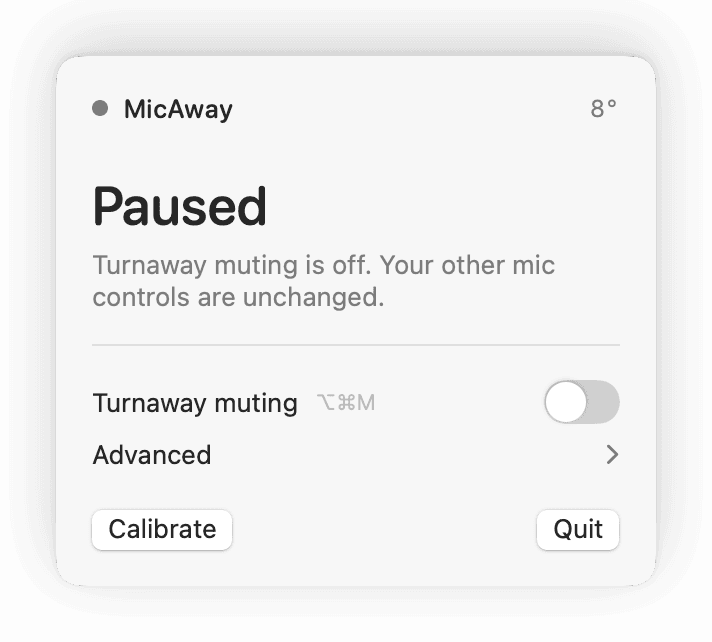
MicAway reads AirPods head direction and changes microphone state locally.
MicAway is open source, but this preview is not yet signed or notarized. macOS may ask you to confirm the first launch. · — downloads
Download the universal release, unzip it, then drag MicAway.app into Applications.
If macOS blocks it, open System Settings, then Privacy & Security. Scroll to Security and choose Open Anyway.
MicAway was blocked from use.
Open AnywayRun this only for MicAway downloaded from the official GitHub release.
xattr -cr "/Applications/MicAway.app"
open "/Applications/MicAway.app"
This removes quarantine metadata from MicAway only. Never run it against Applications, Downloads, or a wildcard.
Wear compatible AirPods, allow Motion when macOS asks, face your Mac, and calibrate once.